Time tracking, built to bill
Start the timer. Set the rate. Send the report.
Punch Clock tracks your hours by project and task, prices them at the rate you set, and turns them into a report your client can read. For freelancers and small consultancies that bill by the hour.
What it does
A timer that cannot drift
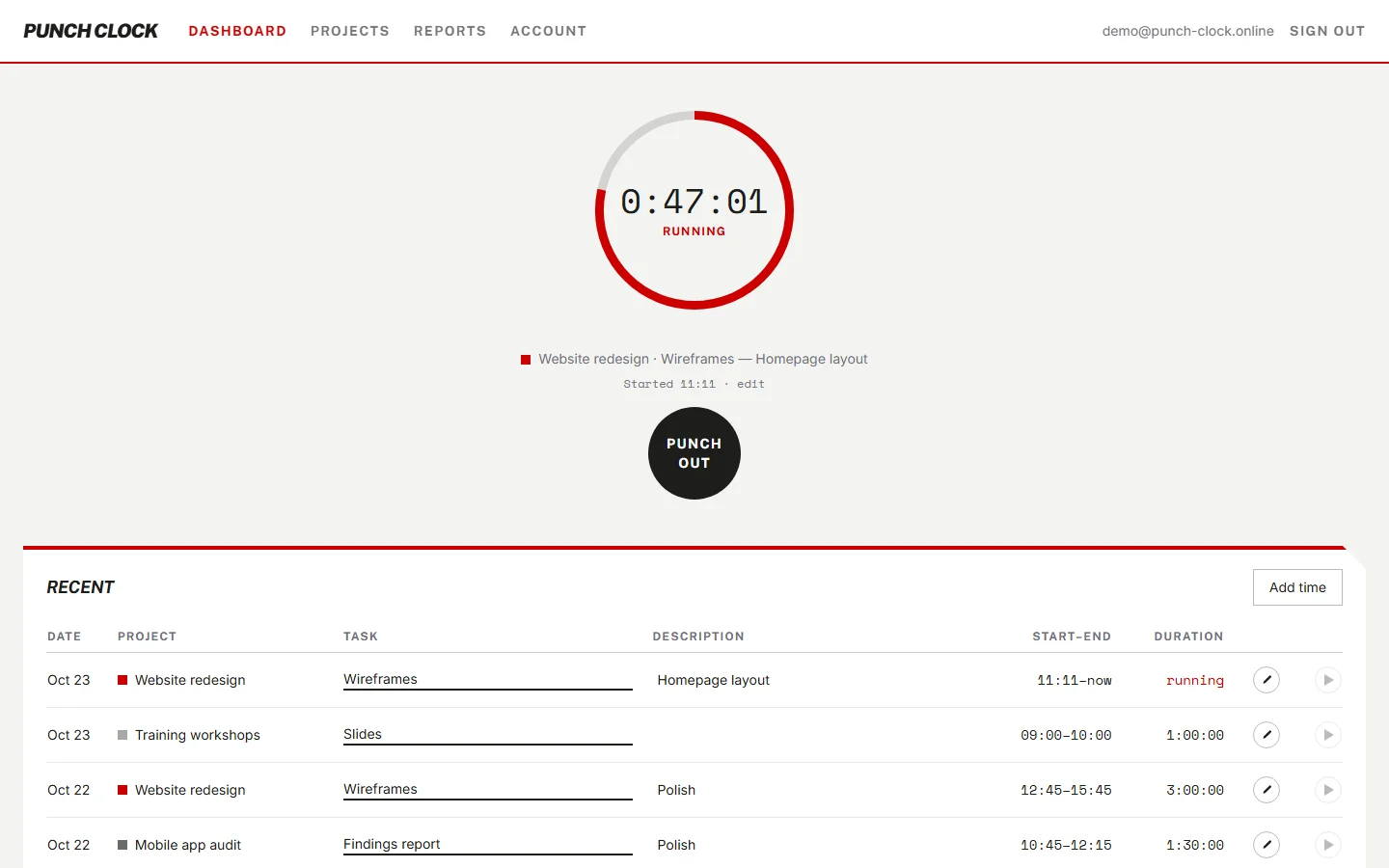
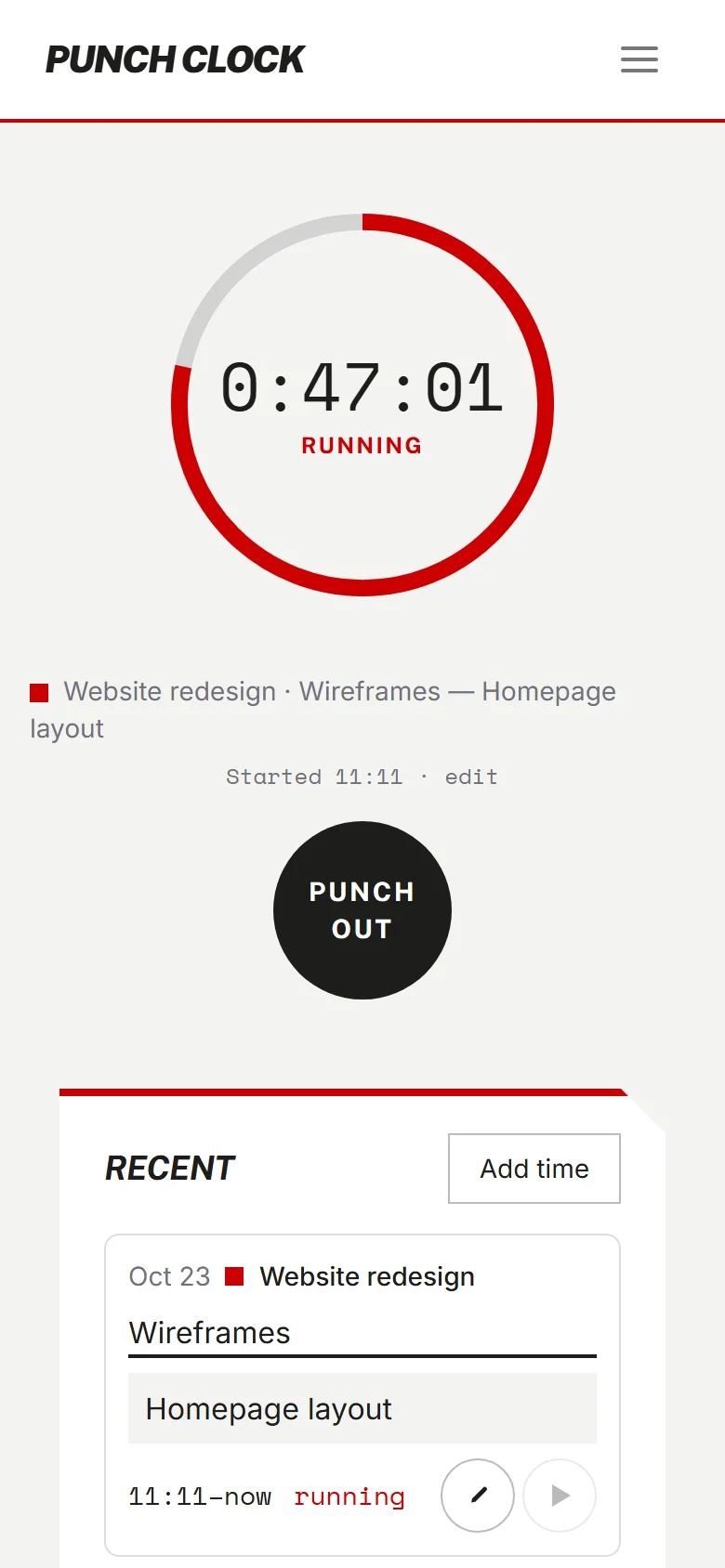
Start the timer and the server records the start time. The clock on screen counts from that moment, so it stays right after a reload or an overnight tab. One timer runs at a time. Start a new one and the old one stops.
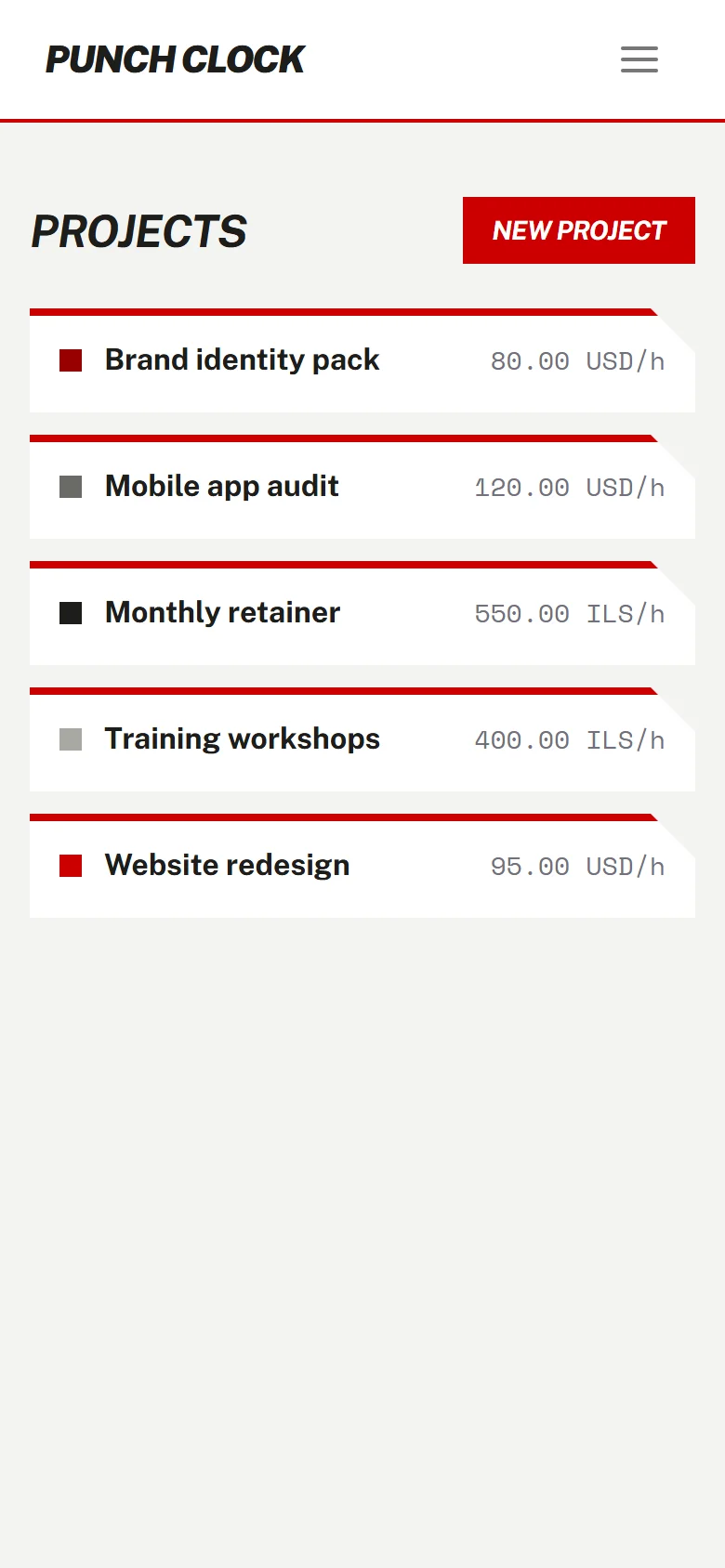
Every project has its own rate
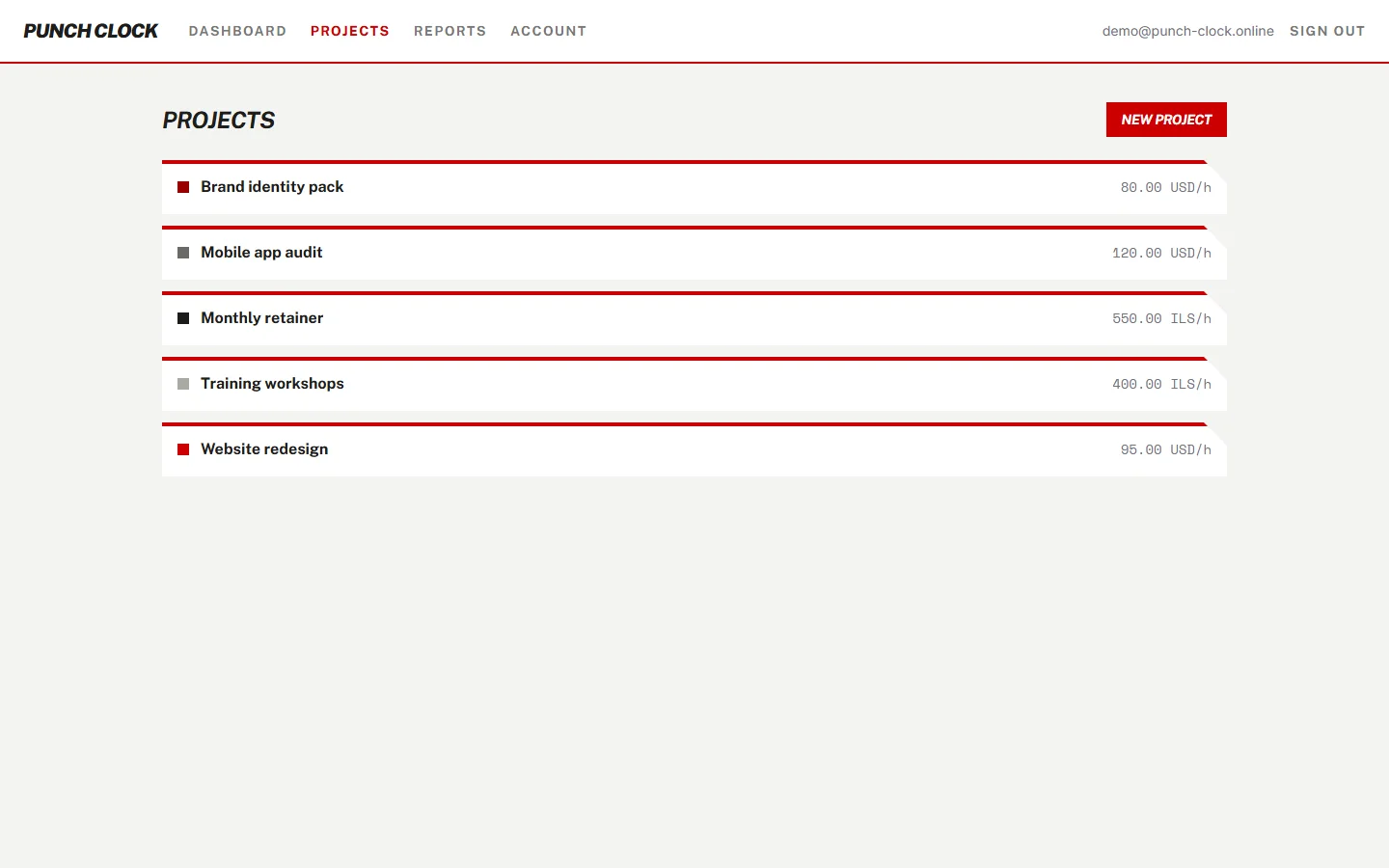
Set an hourly rate and a currency, USD or ILS, on each project. The rate is copied onto every entry when you log it. Raise the rate later and past work keeps the value it had.
Log time any way you work
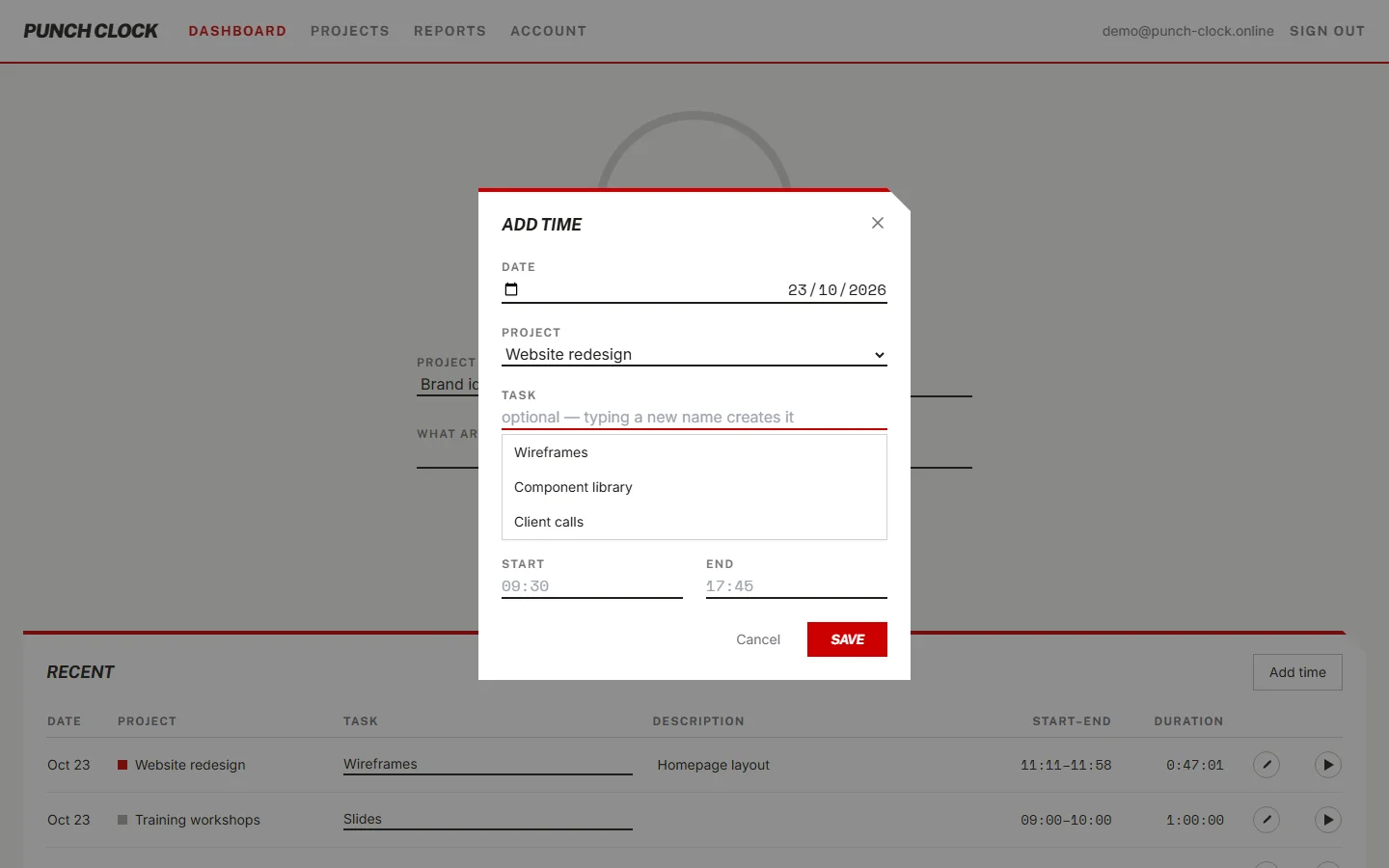
Run the timer, or enter a date with start and end times. Create a task while you log the entry. Press Enter to save. Use the arrow keys to move through the task picker.
Reports you can hand over
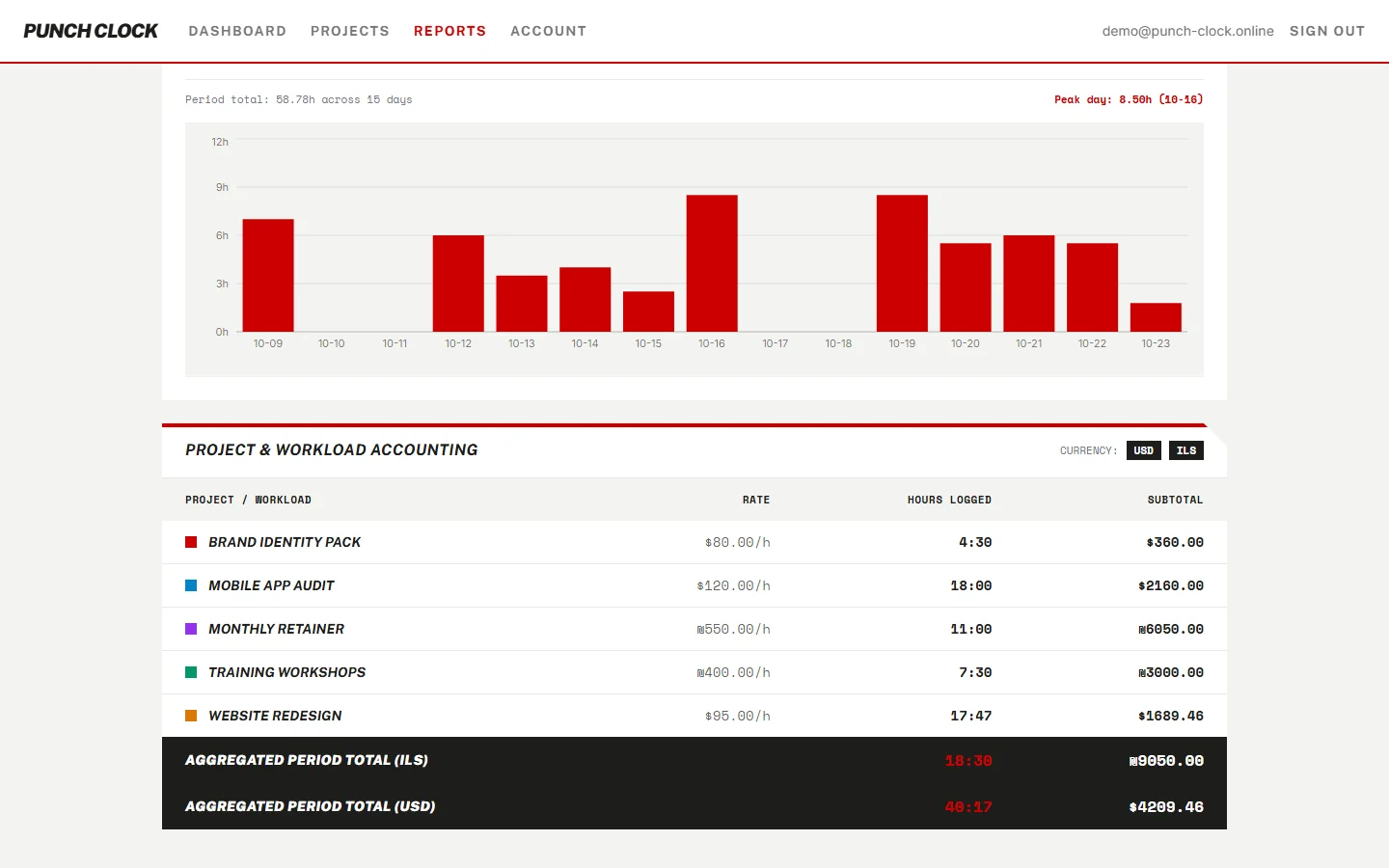
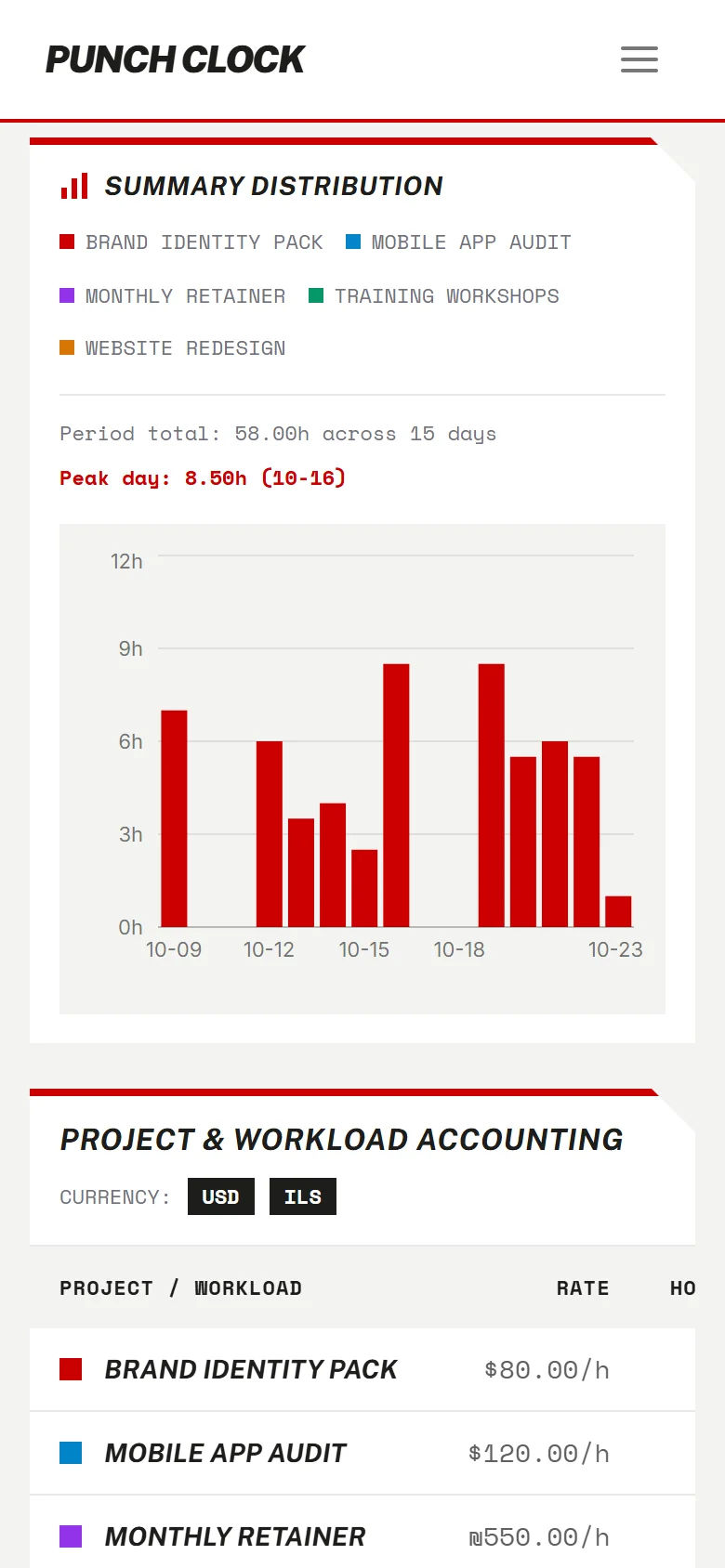
Filter by project, task and date range. See hours over time in a chart. Totals are kept per currency and never added together. Export the filtered rows as CSV, or print a PDF work report.
Four steps
- 01
Sign up. Google, or email and password.
- 02
Create your first project with a rate.
- 03
Track time with the timer or by hand.
- 04
Export the report as CSV or PDF.
Bring your history with you
Already tracking time somewhere else? Import your projects, tasks and time entries from other time-tracking apps. The list of supported sources is growing.